Capture or import
On Mac, capture a region, window or full screen—or record a short demo. On iPhone, choose any screenshot or image with Apple’s private photo picker.
ClipShot turns screenshots into clear feedback and private, expiring links. Import and mark up images on iPhone, or capture and record your screen on Mac—without an account or tracking.
Nothing uploads until you choose Private Link.
How ClipShot works
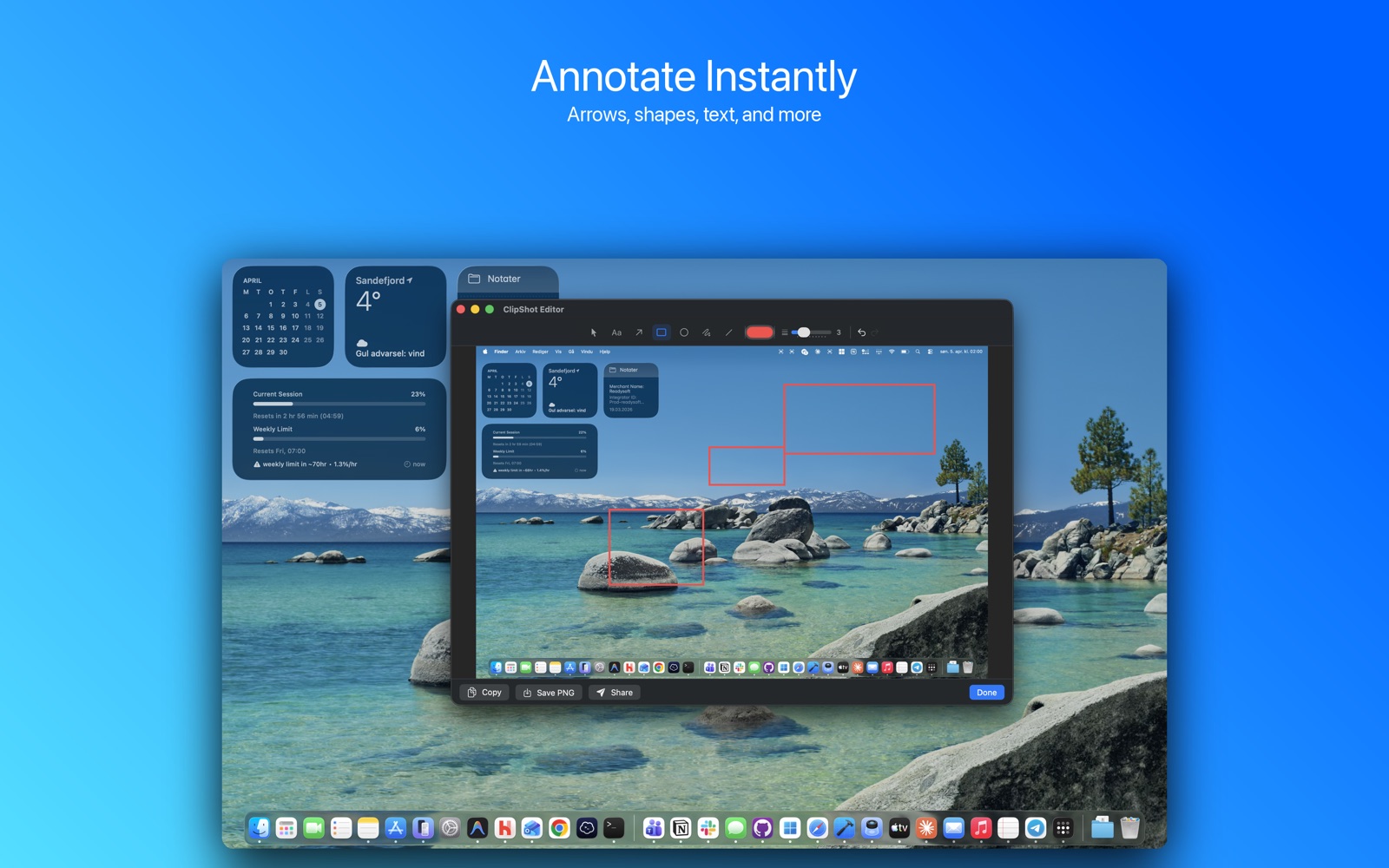
On Mac, capture a region, window or full screen—or record a short demo. On iPhone, choose any screenshot or image with Apple’s private photo picker.
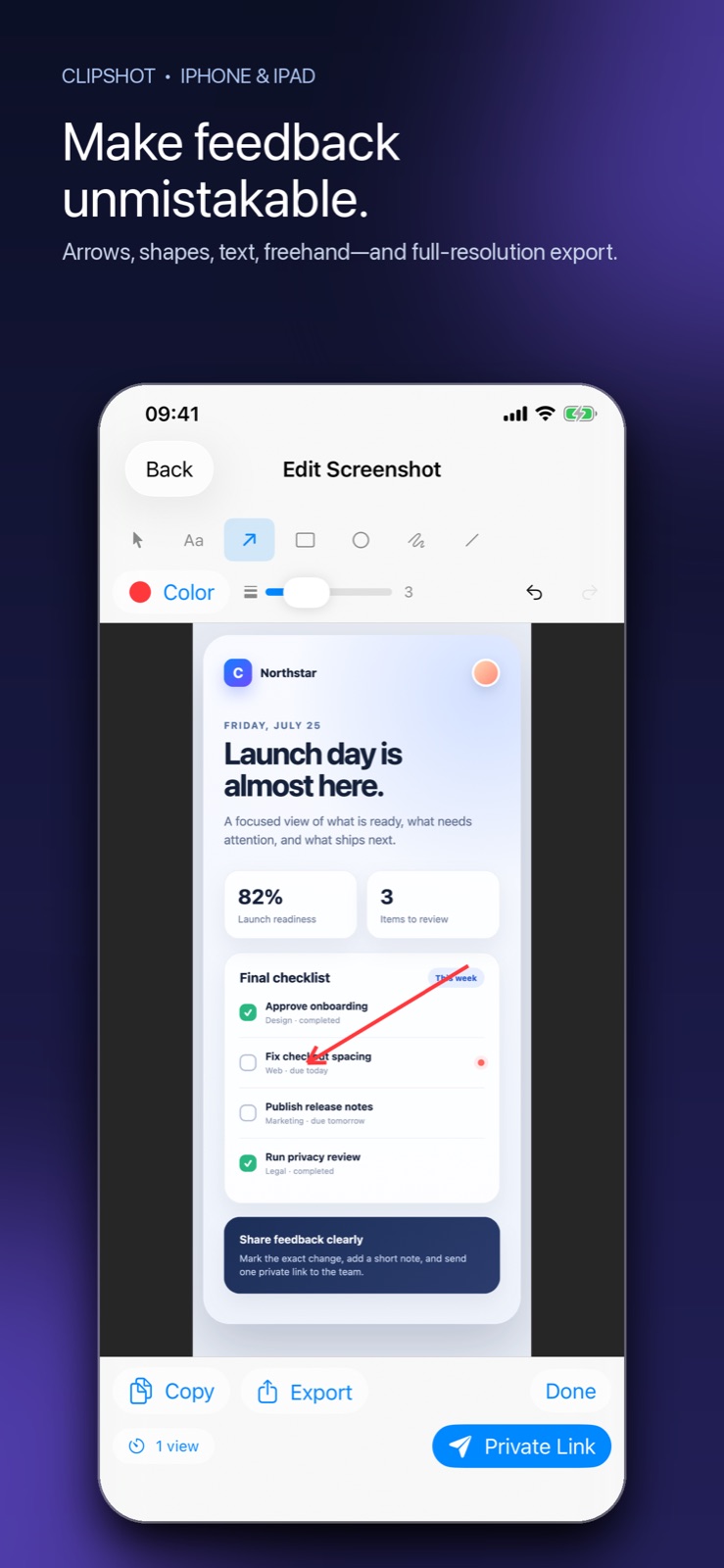
Add arrows, rectangles, circles, lines, text and freehand notes. Undo, redo and export the finished image at full resolution.
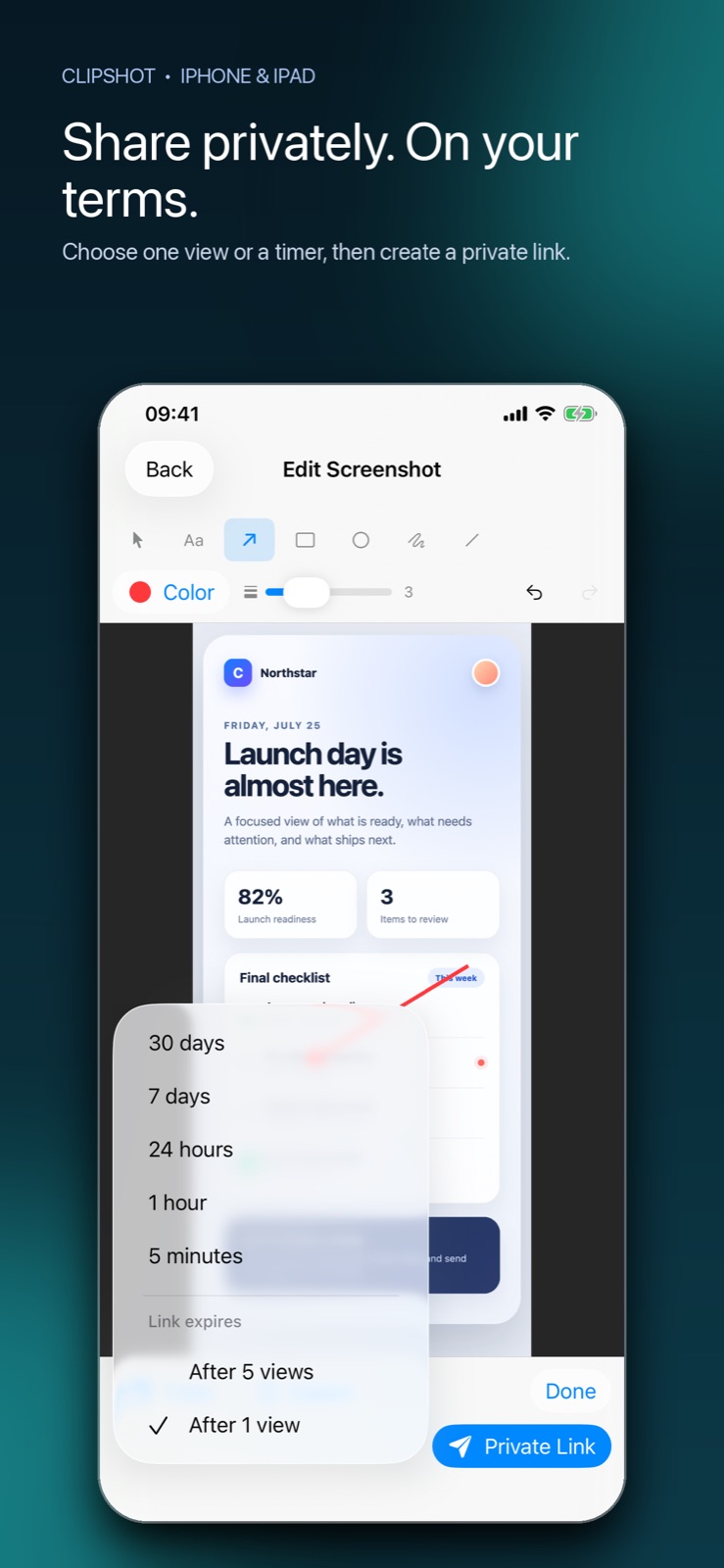
Export normally or create a private clipshot.io link. Set it to expire after one or five views, or after a timer you choose.
One app, two focused workflows
Import with Apple’s system picker, add precise annotations, then copy, export or share a private link. ClipShot never scans your photo library.
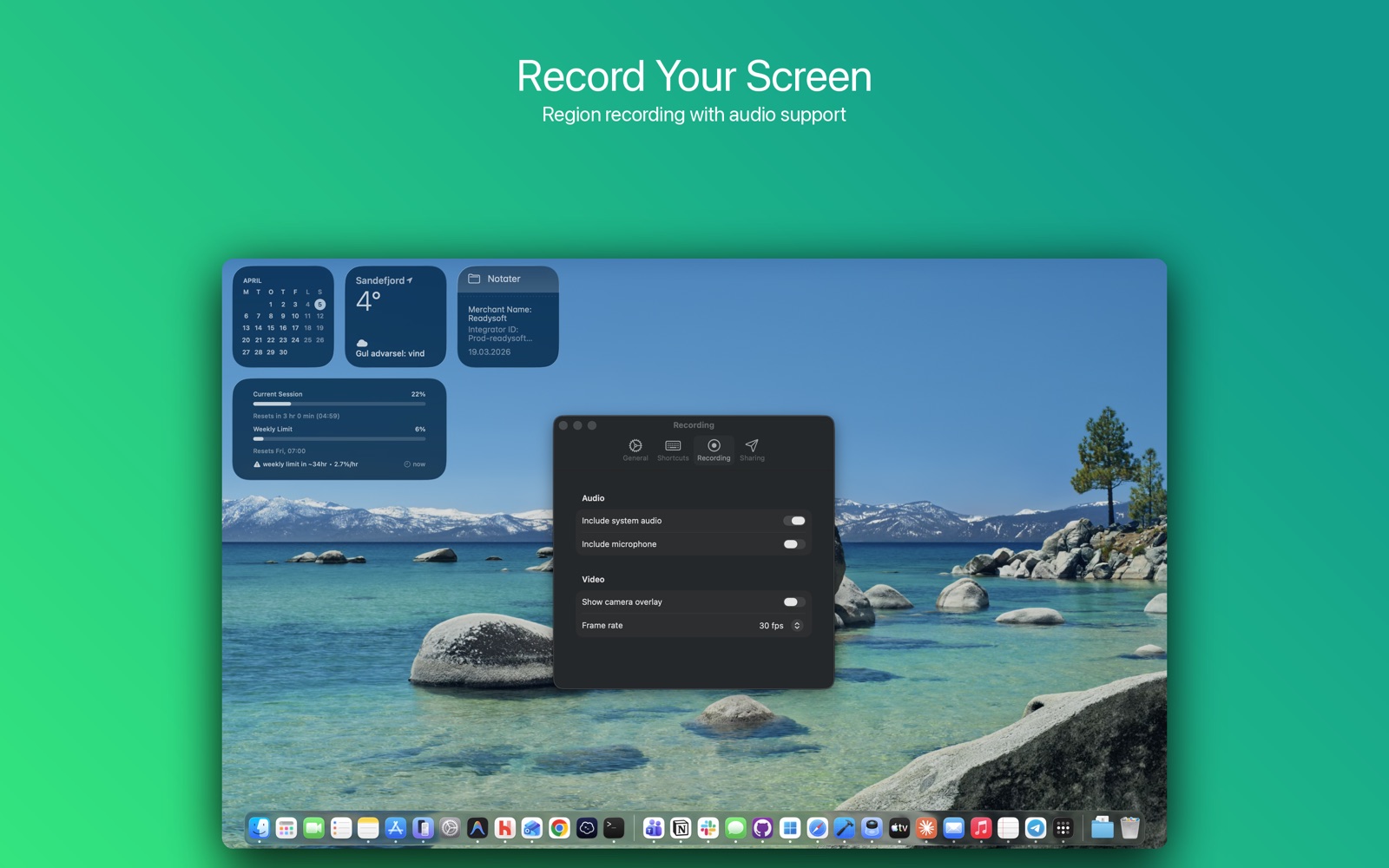
Grab exactly the region you need, record the screen with audio, annotate the result and share it—all from a native menu bar app.
Built for real work
ClipShot is a fast visual communication tool for the moments when a paragraph is slower than a picture.
Point to the exact UI problem and share a clip that disappears after the developer sees it.
Circle the change, add a note and keep work-in-progress material from living forever.
Turn a multi-step explanation into one annotated image or short recording.
Share a screenshot, config or document preview with a link that expires automatically.
Privacy is a feature
Screenshots and recordings stay on your device by default. When you choose Private Link, only that selected file is uploaded. No account, no advertising ID, no analytics SDK and no content scanning.
Read the plain-language privacy policyClipShot API
Create self-destructing links from CI pipelines, support tools, automations and internal apps with one REST request.
Explore the API documentationcurl https://clipshot.io/api/v1/clips \
-H "Authorization: Bearer cs_live_..." \
-F "file=@screenshot.png"
201 Created
{
"url": "https://clipshot.io/c/...",
"expires_at": "first view"
}Answers at a glance
ClipShot is a native Apple app for visual feedback and private sharing. Import and annotate screenshots on iPhone or iPad; capture screenshots and record your screen on Mac; then export normally or create a private, expiring link.
Yes. Choose a link that expires after one or five views, or set a timer from five minutes to 30 days. Every uploaded clip is permanently removed after 30 days at the latest.
No. ClipShot has no sign-up or login. You can annotate, export and share without giving us an email address.
Yes. ClipShot is free to download for iPhone, iPad and Mac, with no subscription required.
No. The app contains no analytics, advertising or tracking SDKs. Your work stays on your device unless you explicitly choose Private Link.
On iPhone and iPad, ClipShot imports screenshots or images through Apple’s private photo picker and focuses on fast annotation. On Mac, ClipShot can also capture screen regions and record the screen with audio.
Add arrows, rectangles, circles, lines, text and freehand notes. Choose colors and line widths, move or delete annotations, and undo or redo changes before exporting a full-resolution PNG.
Anyone you give the link to can open it while it is active. Links use long random tokens that are impractical to guess, and expired links reveal nothing. Treat the link like the file itself.
Yes. The REST API lets products, support tools and automations upload files up to 50 MB and receive private, self-destructing links. Documentation is available at clipshot.io/developers.

Download ClipShot free for iPhone, iPad and Mac. No account or subscription required.
Get ClipShot on the App Store